\
**Category:** Product Support\
**Created:** [February 17, 2016, 3:14pm UTC](https://forum.mautic.org/t/mautic-form-raw-html-version/5814 "2016-02-17T15:14:29Z")\
**Posts on this page:** 3\
**Page:** 1
**Author:**  [@johannesd83](https://forum.mautic.org/u/johannesd83)\
**Post date:** [February 17, 2016, 3:14pm UTC](https://forum.mautic.org/t/mautic-form-raw-html-version/5814/1 "2016-02-17T15:14:29Z")
Hey,
I am trying to integrate Mautic with the Optimizepress plugin. Since Mautic is not directly supported via API, I have to create a custom form. For that though, I need the raw html version of my Mautic sign up form - I can only find the Javascript version? What do I do?
thanks,
---
**Author:**  [@johannesd83](https://forum.mautic.org/u/johannesd83)\
**Post date:** [February 17, 2016, 3:14pm UTC](https://forum.mautic.org/t/mautic-form-raw-html-version/5814/2 "2016-02-17T15:14:29Z")
Hey,
I am trying to integrate Mautic with the Optimizepress plugin. Since Mautic is not directly supported via API, I have to create a custom form. For that though, I need the raw html version of my Mautic sign up form - I can only find the Javascript version? What do I do?
thanks,
---
**Author:**  [@dbhurley](https://forum.mautic.org/u/dbhurley)\
**Post date:** [February 17, 2016, 5:25pm UTC](https://forum.mautic.org/t/mautic-form-raw-html-version/5814/3 "2016-02-17T17:25:51Z")
If you look at the two form options here:
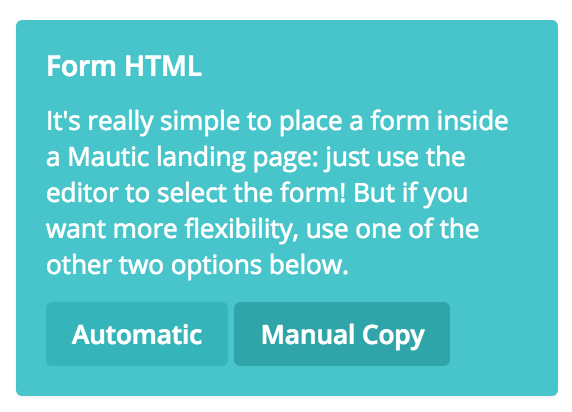
And select Manual instead of Automatic you can then customize the output any way you want.